










Getting Started
We set up your account, move your data, and train your team by role. You are not handed a login and left to it.
 Launch plan · Oakview Adult Day
Seniorverse Day
Take Attendance in as Little as 10 Days
- 1
Kickoff
Meet your onboarding specialist. We walk through how your center runs now and set a plan that fits.
- 2
Configuration
We import your data and set up your benefit types, meals, and activities so it looks familiar on the first day.
- 3
Training by Role
Live sessions for nurses, directors, frontline staff, and billing.
- 4
Launch and After
Your specialist stays with you through launch week and beyond.
Who You Will Work With
The people who set you up know adult day. Our product is led by a registered nurse who was a state regulator.
 Joanna MansfieldChief Product Officer, leads implementation
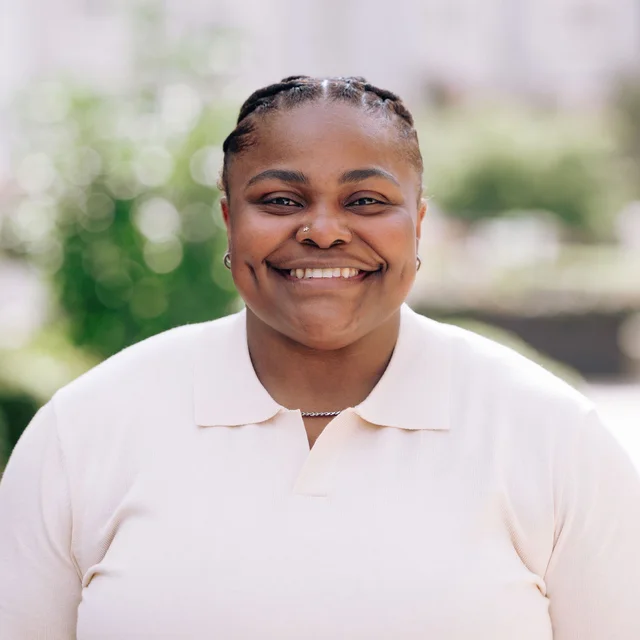 Katie TaylorImplementation Specialist
- Chantelle PoweImplementation Specialist
- Venice SamsonData Entry Specialist
Training for Every Role
Each person learns the part of Seniorverse they use. After launch, the Help Center has a learning path for each role.
 Front DeskAttendance, the kiosk, and the day's arrivals
 Care StaffCare tasks, activities, and notes
 NursesMedications, vitals, and clinical notes
 BillingBenefits, claims, and payments
 AdministratorsSetup, permissions, and reports
Other Ways to Start
Seniorverse Lite
Live in One Week
- You fill in our member template
- We load it and set up your center
- Your team learns from training videos, plus live Q&A webinars twice a month
One week, if we get your member data promptly.
Seniorverse Navigate
Start Today
- Sign up. Rates, visit types, and folders come pre-configured
- Import your clients from a spreadsheet, with a preview before anything is saved
- Log visits from day one. Billing review is ready at the end of your first month
Migration and training are included on Enterprise plans.
What You Need
- A Phone, Tablet, or ComputerAny device with a browser. Seniorverse Day and Navigate also have mobile apps.
 A Kiosk, If You Want OneA tablet or computer with a camera, at eye level near the entrance, in good, even light.
 English and SpanishSeniorverse Day is available in English and Spanish.
When You Need Help
Ask Us What Your First Month Would Look Like
We will walk through it for a program your size.